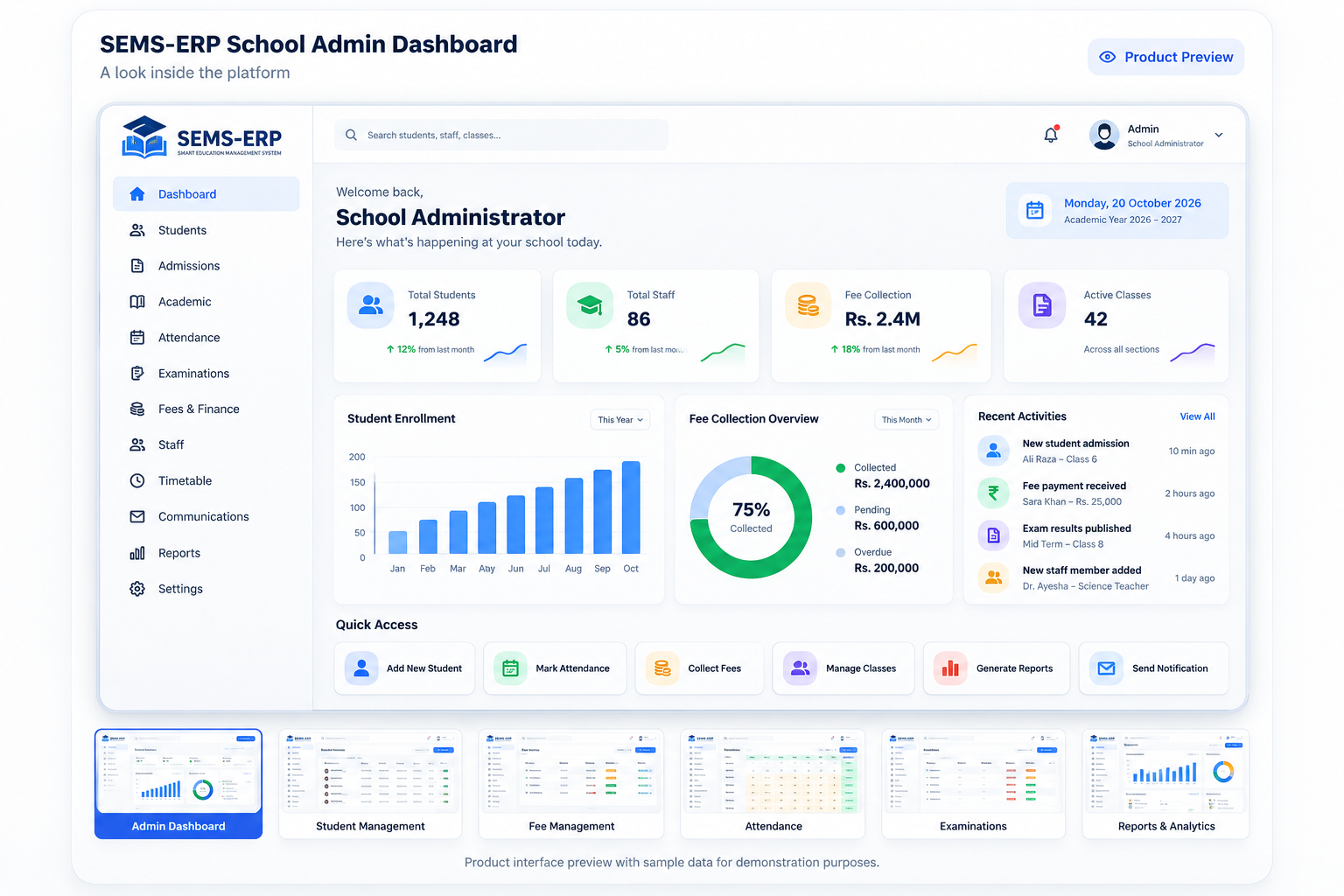
TOUR 01Students & Admissions
Keep admissions, student records, guardian contacts and ongoing student information together. SEMS-ERP supports application decisions, enrolment, searchable directories and a detailed Student 360 workspace.
- Capture and review an application
- Approve and enrol a candidate
- Maintain the student profile
See module details →TOUR 02Classes, Subjects & Timetable
Build the academic structure of your school, assign lessons to class sections and review teaching schedules. Timetable conflict checks help staff spot competing assignments before saving.
- Create classes, sections and subjects
- Select a class section and timetable period
- Assign teacher, subject and room
See module details →TOUR 03Attendance & Leave
Give teachers a practical roll-call workflow while helping administrators review attendance history and requests for absence.
- Choose the class, section and date
- Mark or adjust attendance
- Save the roll call
See module details →TOUR 04Fees & Finance
Manage the school fee cycle with individual and class-wide challans, payment entry, printable documents and financial visibility.
- Choose a billing period and due date
- Generate individual or class-wide challans
- Record a payment when received
See module details →TOUR 05Exams, Marks & Report Cards
Support exam result entry and academic reporting with subject marks, grades, class-level result summaries and printable student report cards.
- Select an exam, class and subject
- Enter marks and remarks
- Save assessment records
See module details →TOUR 06Homework & Assignments
Keep assignment work connected to the right class and subject. Teachers can create coursework and review submissions while students have a dedicated submission workflow.
- Create a class-specific assignment
- Attach supporting materials
- Students submit their work
See module details →TOUR 07Parent & Student Portals
Offer dedicated experiences for parents and students, with information filtered to their linked records and activities.
- Sign in using the assigned account
- Open linked student information
- Review grades, tasks or vouchers
See module details →TOUR 08Messages, Notices & Calendar
Coordinate school information through internal messaging, published notices and a shared calendar of academic events.
- Prepare a message or notice
- Select its intended recipients or audience
- Publish through the application
See module details →TOUR 09Reports & Analytics
Explore school KPIs, student distributions, attendance information, financial reporting and assessment performance using the data already recorded in SEMS-ERP.
- Choose a report or KPI view
- Apply available filters
- Review recorded information
See module details →TOUR 10Accounts, Settings & Security
Keep the school workspace organised with account administration, role-aware navigation, school profile settings and audit visibility.
- Set up school profile information
- Create role-appropriate accounts
- Configure permitted administrative options
See module details →